
BDG Win Login & APK Download: Latest 2026 Android Version

Get the latest 2026 Android version of BDG Win for seamless login and optimized performance. Download the verified APK package directly for secure setup, stable connectivity, and smooth mobile gaming.
What is the Latest BDG Win Android Version?
The latest 2026 Android version of BDG Win is a streamlined mobile release built for fast loading, secure logins, and stable gameplay. It is fully optimized to run efficiently on all Android devices, including low-spec models with limited memory.
Technical Details
| App Name | BDG Win Game |
|---|---|
| Version | v4.5.0 |
| Ratings | 4.5 |
| File Size | 48.5 MB |
| Android Requirement | Android 5.0 and up |
| Last Updated | 2026-10-08 |
| Downloads | 894+ |
| Category | Game Application |
| Installation | APK File |
| Verify security | Safe & Verified |
| Source | bdgwin-apk.app |
Revision History
-
Updated the user interface for smoother navigation and improved the sound effects and visual graphics for BDG WIN GAME.
-
Added exciting new game modes and enhanced the overall graphics of BDG WIN GAME.
Platform Advantages
. Simple and user-friendly interface for easy navigation.
.Compatible with supported Android devices.
. Clear instructions for accessing and using the platform.
. Helpful guidance for account security and privacy.
. Information about app updates and installation requirements
.Basic troubleshooting tips for common technical issues.
Screenshots
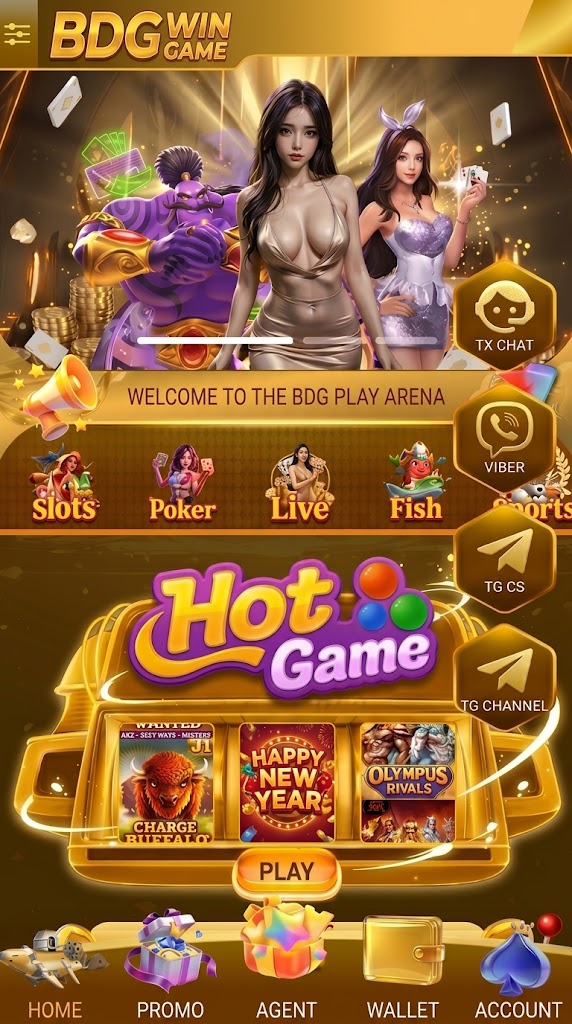
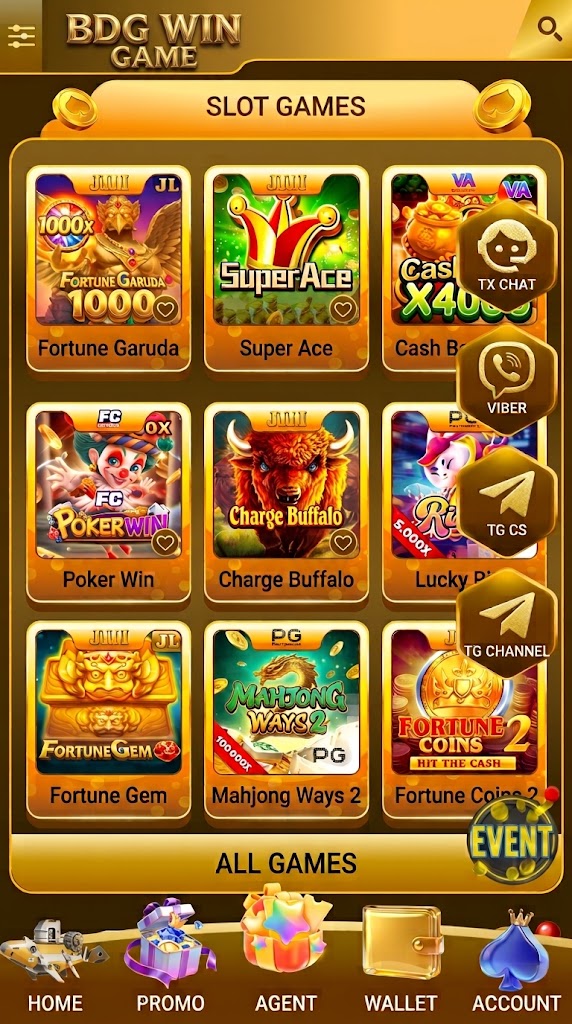
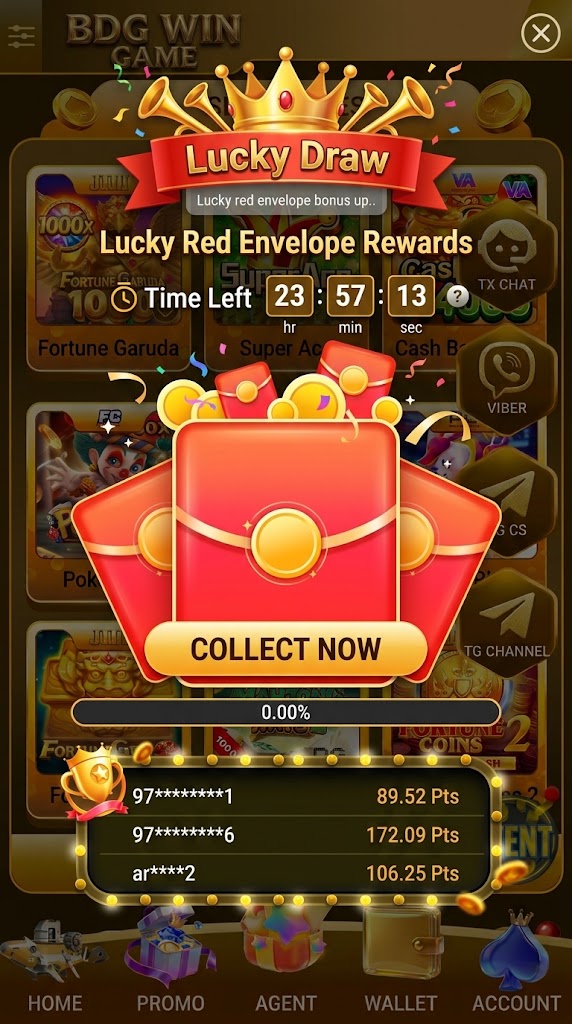
Installation
A complete step-by-step setup guide for downloading, verifying permissions, and installing the latest BDG Win APK release.
-
Check Phone Storage: Make sure the Android device has enough free space before starting the download.
-
Download the APK: Get the setup file from the main download button and avoid random pop-up ads.
-
Install the App: Open the downloaded file, allow unknown app install in settings, and finish the installation.
-
Log In to the Account: Open the app, type the registered phone number and password, and complete the verification code.
-
Keep Accounts Safe: Never share passwords with others and avoid saving passwords on shared mobile phones.
Questions & Answers
How can I download BDG Win Game on Android?
How do I create an account on BDG Win Game?
Is BDG Win Game safe to use?
Can I play BDG Win Game on multiple devices?
App Ratings & Reviews
-
 The game modes are interesting and matchmaking is quick. However, extended play sessions can cause my device to heat up a bit. A lower graphics option in the settings would make it much better.
-
 Navigation is clean and finding game lobbies is straightforward. It would be helpful to have more audio customization settings, as the default volume levels can feel quite loud at startup.
-
 मोबाइल नेटवर्क कनेक्शन में उतार-चढ़ाव होने पर भी, यह प्लेटफ़ॉर्म बिना किसी अचानक डिस्कनेक्ट के स्टेबल कनेक्टिविटी बनाए रखता है। कम डेटा खपत से लंबे सेशन बिना किसी परेशानी के हो जाते हैं।